Description
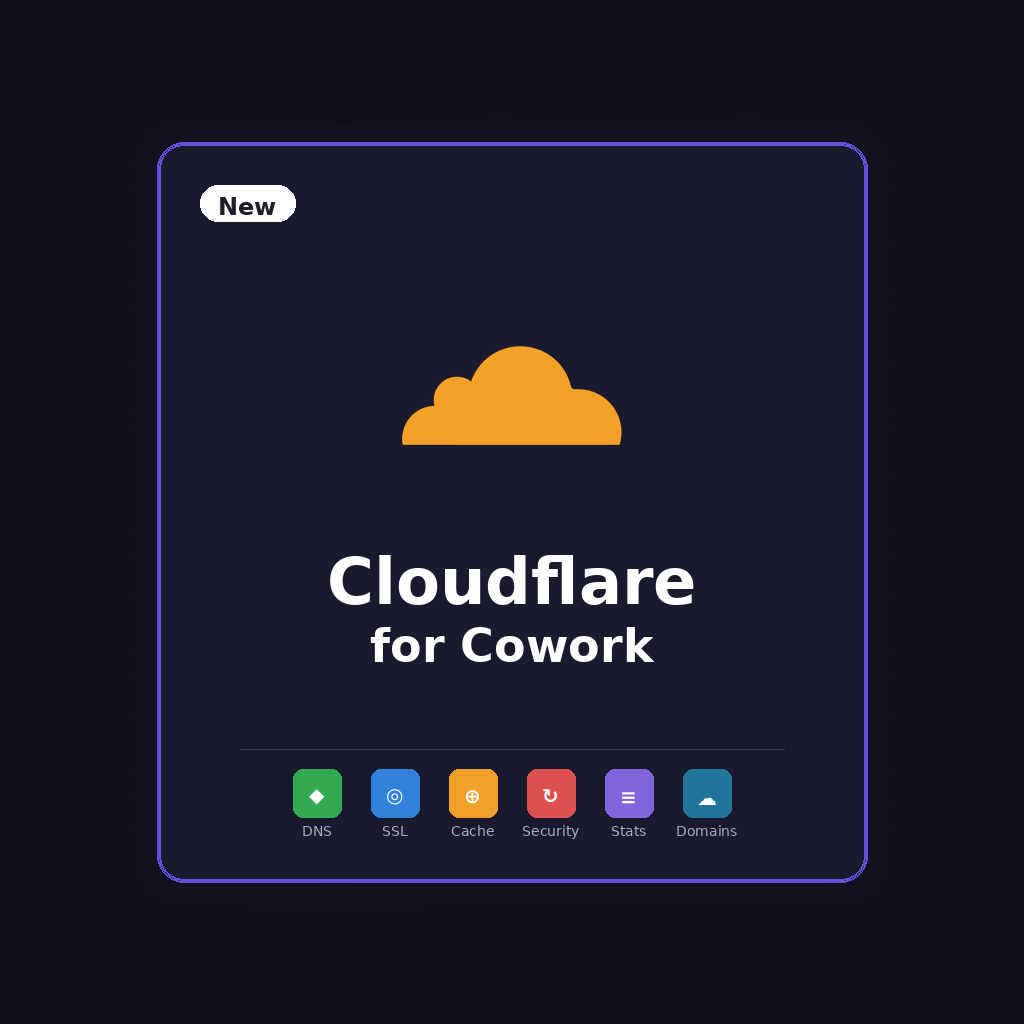
Manage your Cloudflare domains, DNS, SSL, caching, and security directly from Claude Cowork.
Your Cloudflare Dashboard, Simplified
Stop clicking through the Cloudflare dashboard. Just tell Claude what you need — update DNS records, purge cache, enable Under Attack mode, check analytics — and it’s done in seconds.
21+ Specialized Tools
- Zone Management — List zones, view details, pause/unpause Cloudflare
- DNS Records — Create, update, delete A, AAAA, CNAME, MX, TXT records
- SSL/TLS — Check and change encryption mode (off, flexible, full, strict)
- Cache Control — Purge everything or specific URLs, set cache levels, dev mode
- Security — Toggle Under Attack mode, set security levels, view WAF rulesets
- Analytics — Traffic stats, bandwidth, threats blocked, pageviews
- Settings — Always HTTPS, minification, browser cache TTL, and more
Slash Commands
/cloudflare-setup— Connect your Cloudflare account/cloudflare-list— Overview of all your zones/cloudflare-dns— Manage DNS records/cloudflare-security— SSL, firewall, and security settings/cloudflare-cache— Cache purging and settings
Just Say It
- “Show me all my domains on Cloudflare”
- “Add an A record pointing blog.example.com to 1.2.3.4”
- “Purge the cache for my site”
- “Enable Under Attack mode on example.com”
- “What’s my traffic looking like today?”
- “Set SSL to strict on all my zones”
How It Works
Install the plugin, create a Cloudflare API Token (takes 2 minutes), run /cloudflare-setup, and you’re managing all your domains from Claude.
Perfect For
- Website owners managing multiple domains
- Developers who want faster DNS and cache management
- Anyone tired of navigating the Cloudflare dashboard for simple tasks
Reviews
There are no reviews yet.